
Nextgen · Link workspace
Short links that stay clear, tidy, and easy to share.
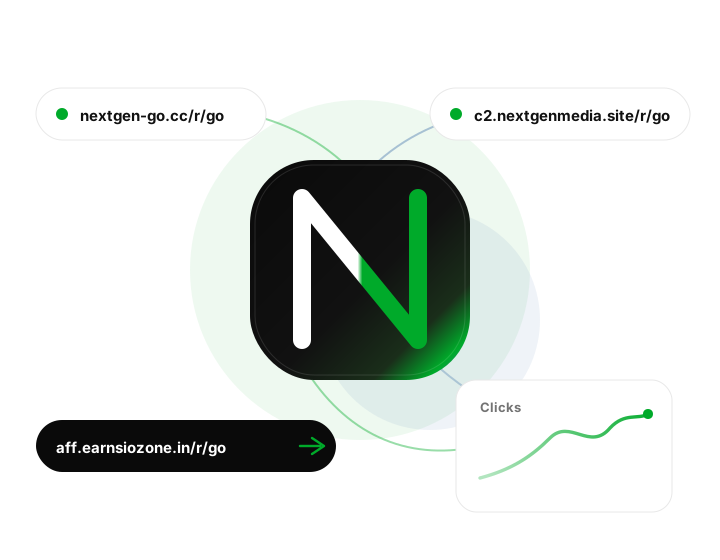
Turn long URLs into short links you can share anywhere — organize destinations, track clicks, and update them whenever pages move.
What you can do
Nextgen is built around everyday link work: create, organize, share, and review — with a calm interface that stays out of your way.
Create quickly
Paste a destination, pick a short path, and you are ready to share. Add a clear title so every link stays easy to find later, even weeks after you created it.
Stay organized
Browse and search your links from one place. When a campaign changes, update the destination instead of sending a new URL to everyone who already saved the old one.
See what works
Check simple traffic summaries so you know which links people actually open. Use that signal to refine what you share next and drop what is not landing.
Share with confidence
Short links look professional in messages, emails, and social posts. Copy once, paste anywhere, and keep the destination under your control.
Keep things current
Destinations drift. Products move. Pages get renamed. Nextgen lets you fix the destination behind a short link so old shares still arrive at the right place.
Work from one home
Stop hunting through docs and chat history for “that one URL.” Your workspace keeps the links you care about together, ready when you need them.
How it works
Getting started takes a few minutes. Sign in with the account your team provided, open your workspace, and start building the links you need.
- 1
Sign in
Use your work email and password. Need an account? Ask your invite, or email earnsiozone@gmail.com.
- 2
Add a link
Choose a short path, set the destination URL, save, and copy whenever you are ready to share.
- 3
Keep it current
Update destinations or review performance later — old shares stay accurate without rewriting every message.
Why teams use Nextgen
Long URLs break in chat. Screenshots hide the real destination. Spreadsheets go stale. Nextgen gives you a quiet place to own the links you publish — so the URL you share today still makes sense tomorrow.
- Fewer broken or confusing links in customer-facing messages
- A single place to find and update what you have already shared
- A calmer workflow than pasting raw URLs into every channel
- Room to grow as your library of links gets larger
Common questions
Who can use Nextgen?
Nextgen is for invited team members. Sign in with the email and password you were given. If you need an account, contact the person who manages your workspace or email us.
Do I need a special app?
No. Nextgen runs in your browser. Open the site, sign in, and you are in your workspace on desktop or mobile.
What if I forget my password?
Reach out to your workspace admin, or email earnsiozone@gmail.com and we will help you get back in.
Where can I read the legal details?
See our Privacy Policy and Terms of Service linked in the footer. They explain how we handle information and what you agree to when using Nextgen.
Contact us
Questions about your account, feedback about the product, or anything else — we are happy to help.